Docs › Getting started
Turn features on and off
Keep Daykite as simple as a calendar, or switch on routines, projects, Spaces, bookings, goals and insights as you need them.
Not everyone needs a project board or a booking page. Settings → Modules lets you switch whole parts of Daykite on and off, so the app only shows what you use.
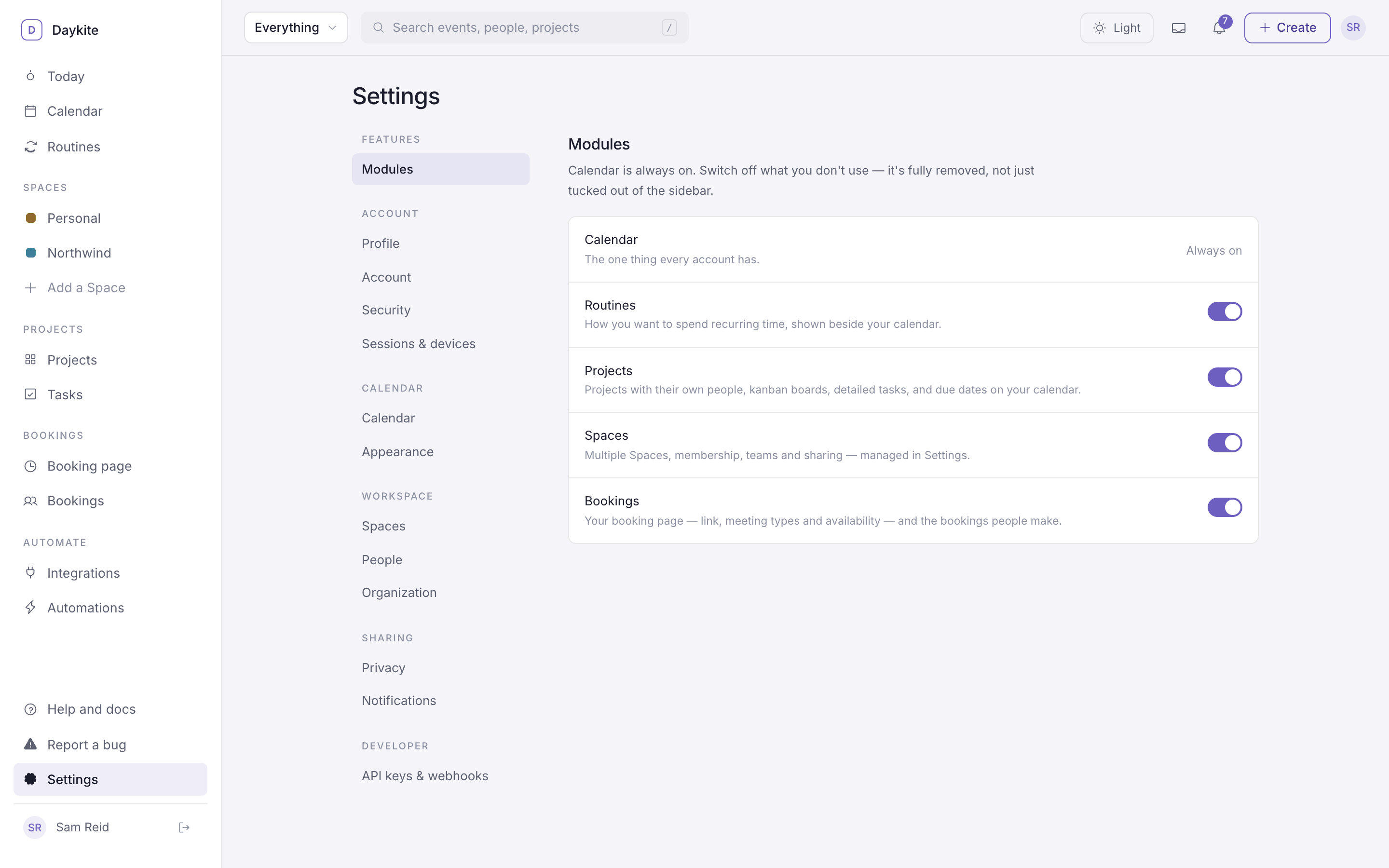
The modules
| Module | What it adds | On for new accounts? |
|---|---|---|
| Calendar | Events, focus, reminders, all the views | Always on |
| Routines | The Routines page, the thin routine rail beside your calendar, and the Routines card on Today | Yes |
| Projects | Projects, boards, tasks, your own lists, and due dates on your calendar | No |
| Spaces | More than one Space, the people in them, teams and sharing, and the Spaces list in the sidebar | Yes |
| Bookings | Your booking page, meeting types, availability and the Bookings list | No |
| Goals | Weekly time goals — 10 hours on Project Alpha — that the planner puts on your calendar | Yes |
| Insights | Where your week's time went: meetings, focus, routines, and how it compares with last week | Yes |
Integrations and Automations aren't modules — they're always available.
Switching one on or off
- Open Settings (bottom of the sidebar) → Modules.
- Flip the switch. It saves straight away.
What "off" really means
Switching a module off is a real switch, not just a hidden menu item:
- Its pages leave the sidebar and the phone's More sheet, and going to one takes you to Today instead.
- Nothing new can be created in it, from the app or the API.
- Your data isn't deleted. Switch Projects back on and your boards are exactly as you left them.
New accounts start with whatever the Daykite team has chosen, so what's on for you may differ slightly from the table. If a module shows "Turned off by Daykite for everyone right now", it's been switched off across the service; your own setting comes back when it's switched on again.