Docs › Getting started
Keyboard shortcuts and the command palette
Single keys for the things you do most, and ⌘K to jump anywhere.
Daykite is quick to drive from the keyboard. Shortcuts are ignored while you're typing in a field, so writing "week planning" into a title never changes the view.
Shortcuts
| Key | What it does |
|---|---|
| C | New event |
| T | Go to Today |
| D | Calendar, day view |
| W | Calendar, week view |
| M | Calendar, month view |
| A | Calendar, agenda view |
| / | Search |
| ← → | Previous or next day, week, month or year (on the calendar) |
| Esc | Close a drawer, panel or popover |
| ⌘ K (Mac) or Ctrl K | Open the command palette |
| ? | Show the list of shortcuts |
The command palette
Press ⌘ K and start typing where you want to go. Use ↑ ↓ to choose and Enter to open.
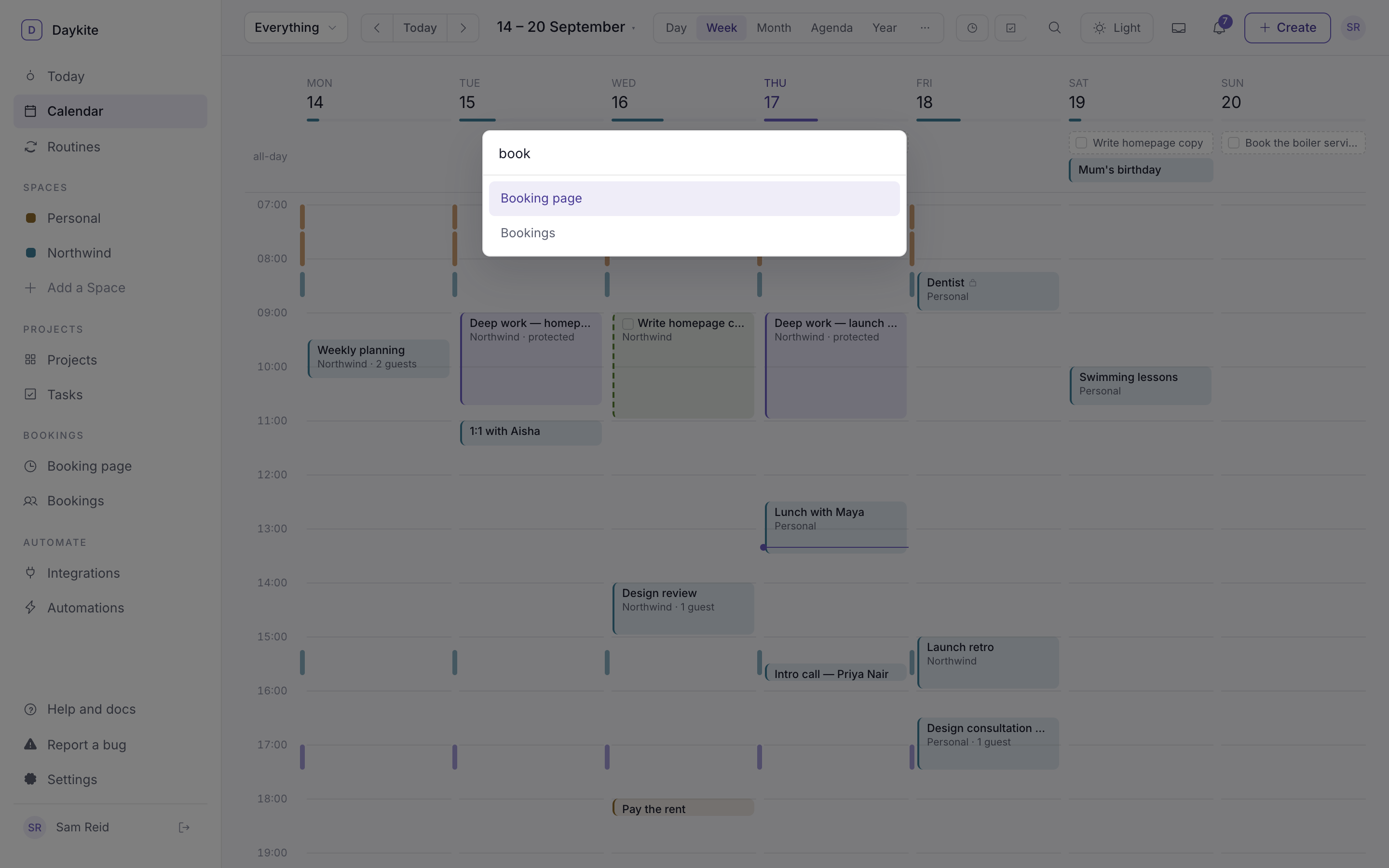
It reaches every page and the most common new actions:
- Go to Today, Search, and the Day, Week, Month and Agenda views
- New event, New routine, New project, New task
- Find a time, Inbox
- Routines, Projects, My tasks
- Booking page, Bookings, Meeting types, Availability and working hours
- Spaces, People, Automations, Integrations, Modules, Settings
- Help and docs
Items for a switched-off module don't appear.