How to Protect Focus Time on Your Calendar (Without Offending Anyone)
Focus time on a calendar only works if it survives contact with other people. How to choose the hours, name the blocks, decline politely and get your team on board.
The Daykite team7 min read
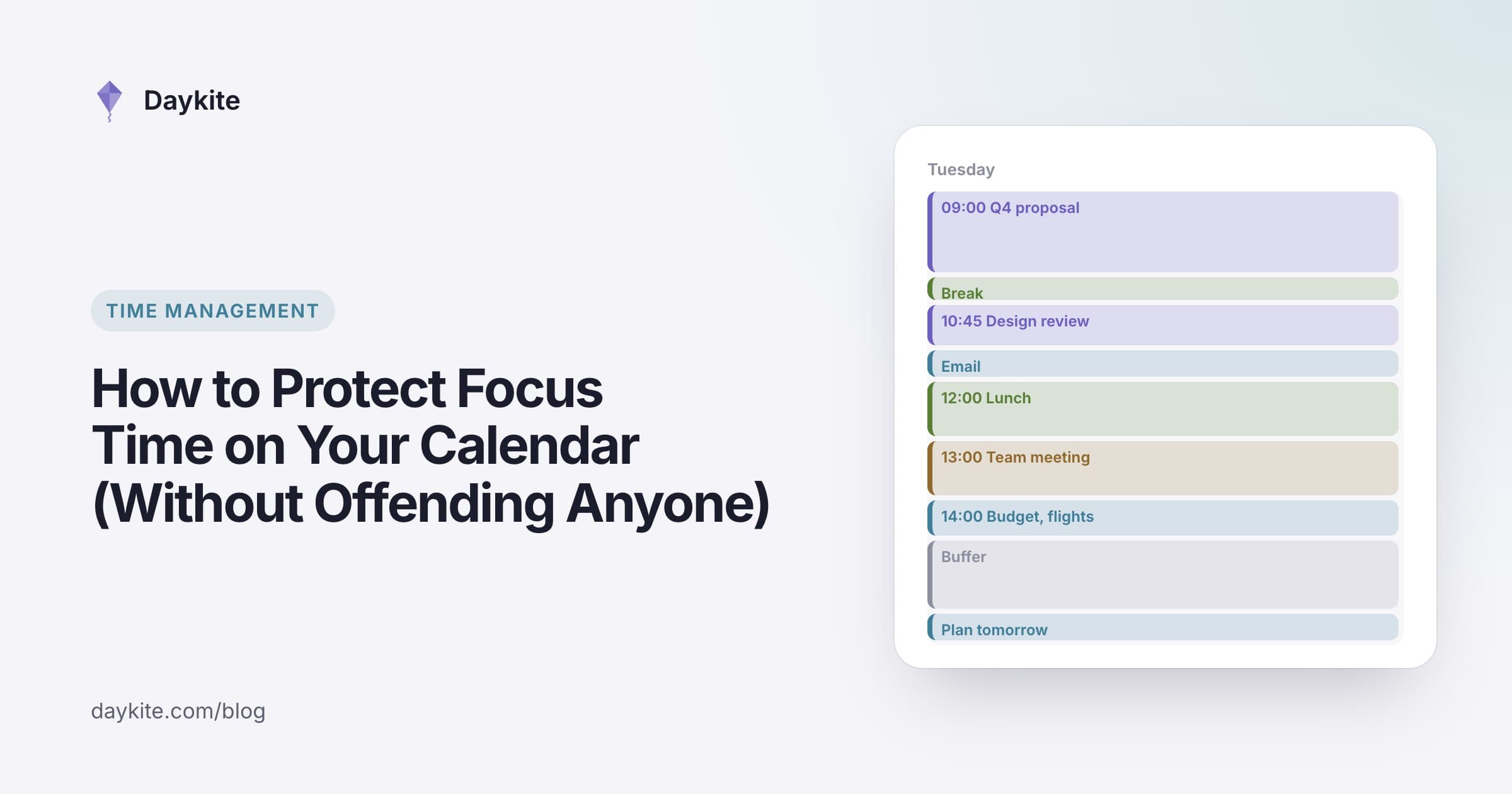
You blocked Tuesday morning for the report. By Monday afternoon someone had booked a "quick sync" at 10:00, because your calendar said you were free — or because it said "Focus" and they assumed you wouldn't mind. By Tuesday lunchtime the report was where it was on Monday, and you were writing it at 21:00.
Blocking focus time is easy. Keeping it is the hard part. It means making the block visible, making it credible, and making it easy for other people to respect without feeling rebuffed. This guide covers all three.
Why focus time disappears
Focus blocks usually lose to meetings for four reasons:
- They look optional. A block called "Focus" or "Hold" tells a colleague it's movable. A block called "Q4 budget — due Friday" doesn't.
- They show as free. Some calendars let you create events that don't block your availability, so scheduling tools happily offer the slot.
- Declining feels rude. Many people accept anything rather than say no, especially to senior colleagues.
- Nobody agreed to them. If your team doesn't know you keep mornings for deep work, every booking is a small surprise.
Fix those four, and your focus time survives most weeks.
Step 1: Choose the right hours
Not all hours are equal. Protect the ones where your thinking is sharpest — for most people, mid-morning. Look at your last two weeks and ask:
- When did I do my best work?
- When are meetings least likely anyway? (Early morning and late afternoon often have fewer.)
- Which days have natural gaps?
A realistic starting point: two or three blocks a week, 90 minutes to 2 hours each, at the same times each week. Consistency matters more than volume — people learn your pattern and schedule around it.
Step 2: Name blocks after the work
Compare these two calendar entries:
- Focus
- Write the Q4 budget proposal (due Fri)
The second is harder to overwrite, because anyone looking can see what they'd be displacing. It also helps you: when the block starts, there's no question what to do.
If the work is confidential, keep the detail private but keep the event marked busy. Your colleagues see "Busy"; you see the task.
Step 3: Make it count as busy
Check that your focus blocks actually block your availability. In most calendars, an event can be "busy" or "free"; focus blocks must be busy, or booking pages and scheduling assistants will offer the time.
Also check:
- Booking pages — your public booking link should never offer focus hours.
- Shared calendars — colleagues who can see your free/busy status should see these hours as busy.
- Recurring blocks — if a block repeats, confirm every occurrence is marked busy.
Step 4: Decline gracefully (and offer an alternative)
When a meeting lands on a focus block, you don't need to explain yourself at length. You need to offer a better option. A short template works:
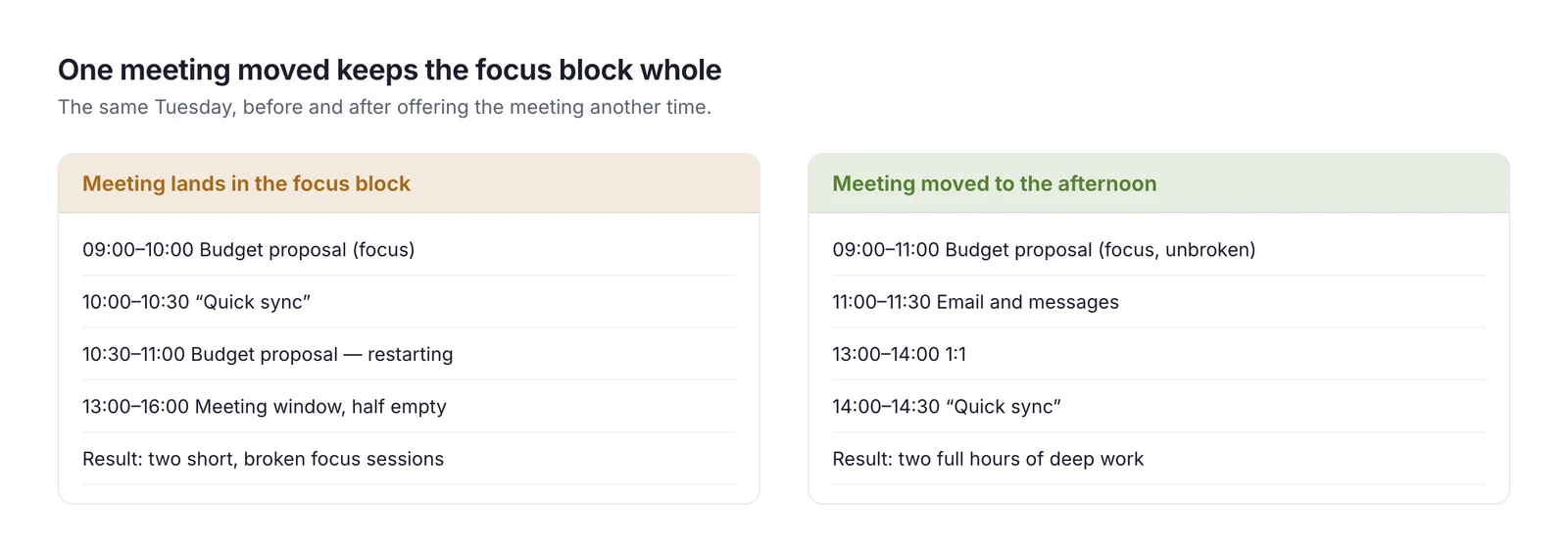
"Thanks! I'm heads-down on the budget proposal Tuesday morning. Could we do 14:00 instead, or Wednesday at 11:00?"
Three things make this land well:
- Name the work, briefly. People accept a real reason.
- Offer two alternatives. Declining without an option feels like a no; offering times feels like a yes.
- Reply quickly. A fast counter-offer is friendlier than a slow acceptance.
If the meeting truly can't move — a client call, the CEO's only slot — move your focus block rather than deleting it. Put it in the next available morning so the work still happens this week.
Step 5: Agree focus hours with your team
The most effective protection isn't a setting — it's an agreement. Teams that respect focus time usually have a simple, shared norm, for example:
- No internal meetings before 11:00, Tuesday to Thursday
- A no-meeting afternoon each week
- Messages during focus time get answered at the next break, not instantly
Propose it as an experiment: "Can we try no internal meetings before 11 for a month and see how it feels?" Most people say yes, because most people want the same thing.
A real example: Leila's protected mornings
Leila is a senior engineer. Her calendar showed 14 meetings a week, scattered — so her longest free stretch on most days was 45 minutes. Code reviews and design docs happened in the evenings.
She made four changes:
- Blocked Tuesday, Wednesday and Thursday 09:00–11:00, each named after that week's main piece of work.
- Marked the blocks busy and removed those hours from her booking page.
- Replied to conflicting invites with two alternatives, both in the afternoon.
- Asked her team to try "no internal meetings before 11" for a month.
After two weeks she had six hours of uninterrupted work a week, her meetings moved into afternoons, and her team kept the norm after the trial — because two other engineers liked it too.
How much focus time do you actually have?
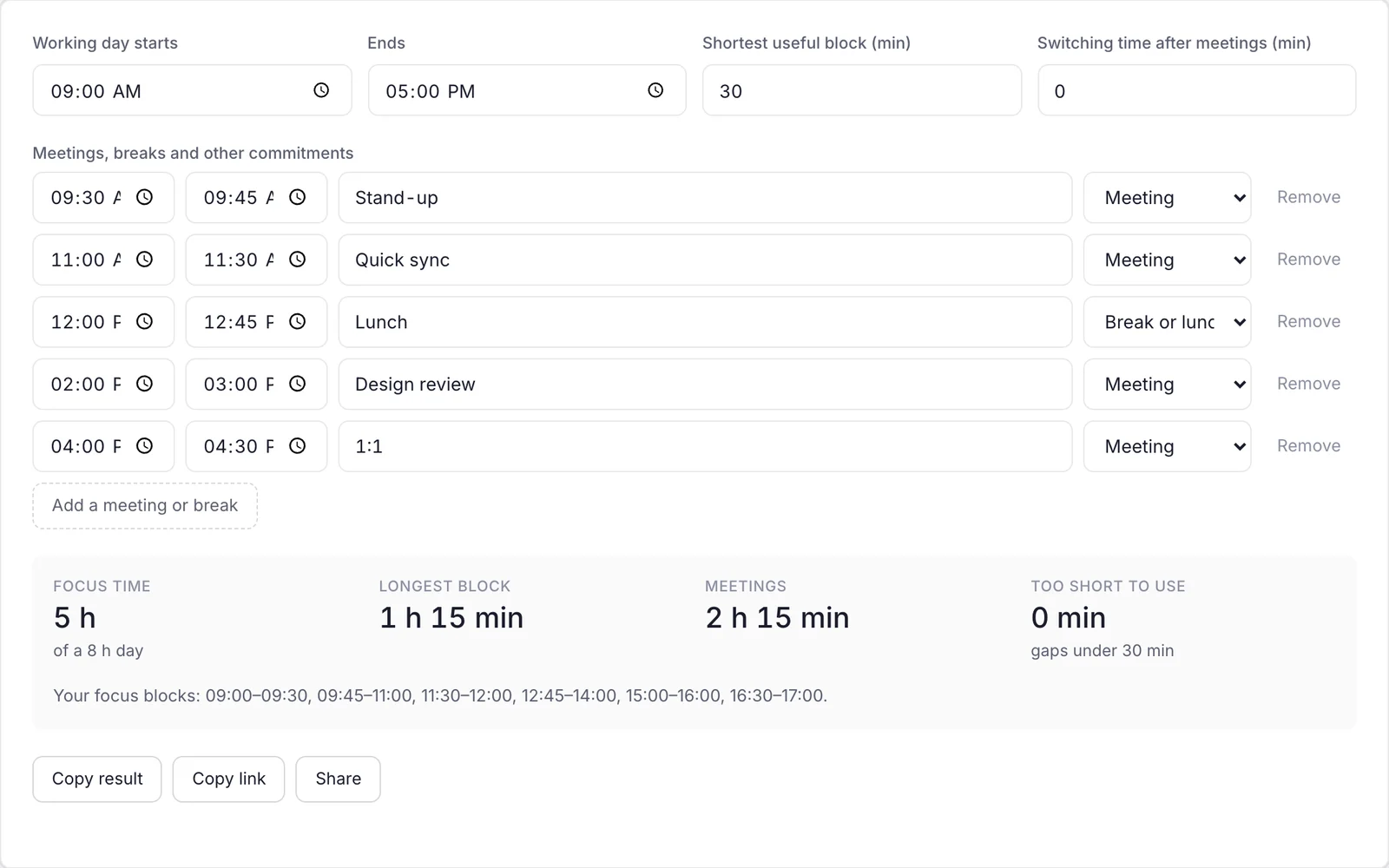
Before protecting focus time, it helps to know how much of your day is left once meetings, breaks and short gaps are counted. Gaps under 30 minutes rarely produce real focus. The free Focus Time Calculator takes your meetings and breaks and shows your longest uninterrupted block and total usable focus time.
If you manage a team
Protecting your own focus time is half the job if you lead people. The other half is protecting theirs — and your calendar habits set the tone for everyone.
- Book internal meetings in the agreed window. If the team keeps mornings for focus, a manager who books 09:30 reviews quietly cancels the norm for everyone.
- Batch your questions. Instead of five messages across the day, keep a running list for each person and go through it at your next 1:1.
- Make "I was in a focus block" an acceptable answer. If someone replies to you two hours later because they were heads-down, thank them rather than chasing.
- Protect makers from your own scheduling tools. A booking link that lets anyone grab 30 minutes of an engineer's morning undoes every focus block they create.
- Measure it. Once a month, look at how much uninterrupted time your team actually had. If it keeps shrinking, meetings are winning, and it's your job to push back.
A team where the manager's calendar respects focus time almost always ends up with more of it.
Common mistakes
- Blocking too much. Protecting 30 hours a week makes you impossible to meet with, and people will start ignoring your blocks. Start with six to eight hours.
- Using "Focus" as the title. It reads as optional. Name the work.
- Deleting the block when a meeting wins. Move it, don't lose it.
- Answering messages during focus time. A block with Slack open isn't focus time.
- Never reviewing it. If your blocks keep getting overwritten on the same day, move them to a better day.
Taking it further
- Pair focus blocks with a start ritual — close email, set your status, open the one document you need. It makes the switch into deep work faster.
- Track planned versus actual focus. If you planned eight hours and got three, find out what broke the other five.
- Protect recovery too. After an intense block, a short walk or break keeps the next one productive.
Where automation helps
Doing all of this by hand works, but software can carry most of it:
- Automatic declines for invitations that land inside a protected block, with a note offering other times
- Rules that keep focus hours off your booking page and out of suggested meeting times
- Recurring focus blocks that appear every week without being recreated
- A focus timer that measures how much deep work actually happened
How Daykite helps
In Daykite, an event with the type Focus is protected: with focus protection on (it is by default), an invitation that lands inside a one-off focus block is declined for you, and you're told so — you can still open it and accept. Focus blocks are private by default, count as busy, and never appear on your booking page or in Find a time. A Protect my time rule such as Deep-work mornings, weekdays 09:00–11:00, no meetings keeps those hours off-limits every week, and the focus timer tracks how much deep work you actually did.
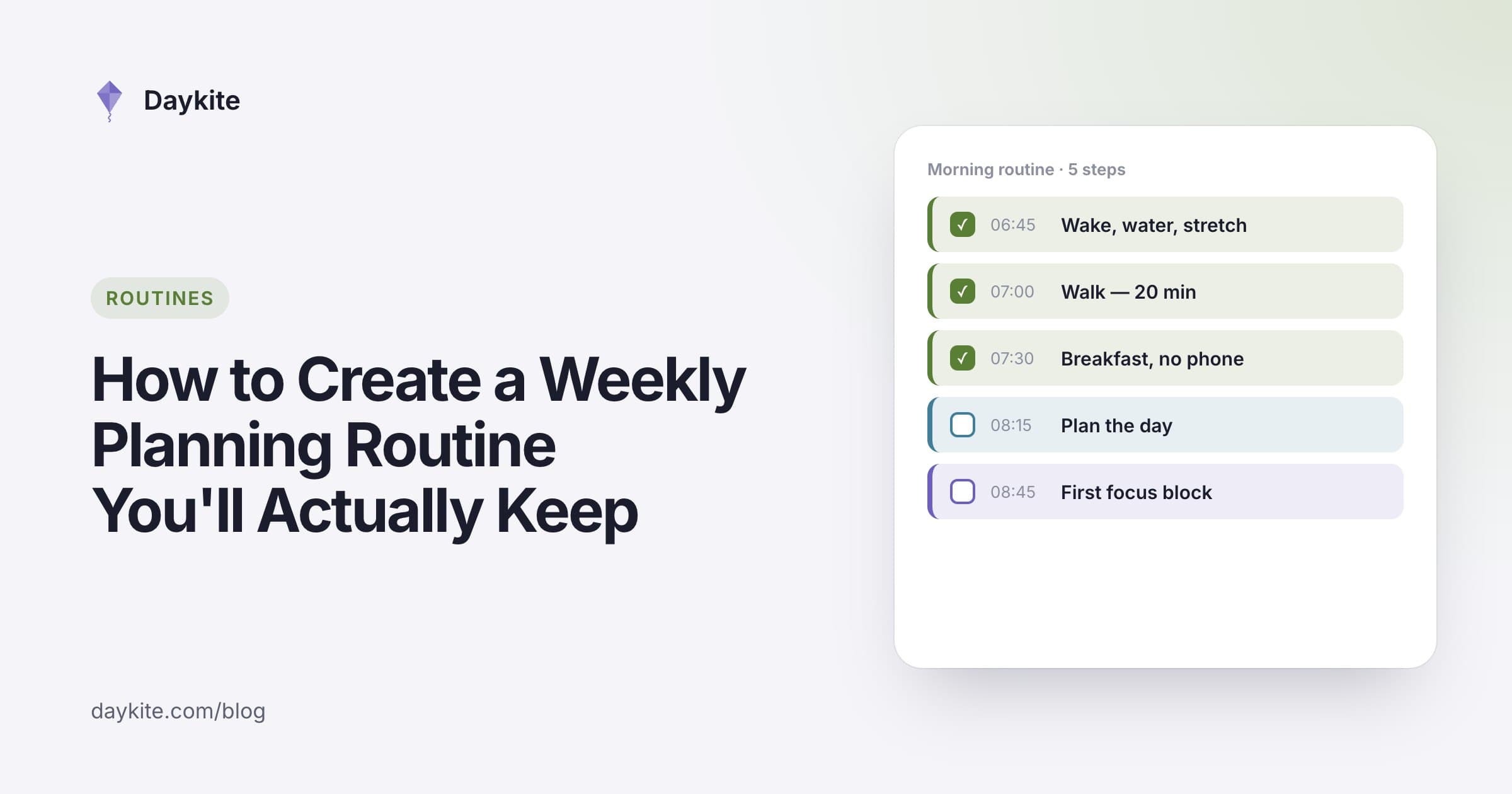
If you want a weekly rhythm around these blocks, start with a weekly planning routine.
Frequently asked questions
How long should a focus block be?
90 minutes to 2 hours suits most demanding work. Shorter than an hour and much of it goes on getting started; longer than 2.5 hours and most people need a break anyway.
How do I decline a meeting during focus time politely?
Reply quickly, name the work in a few words, and offer two alternative times: "I'm heads-down on the proposal Tuesday morning — could we do 14:00 or Wednesday at 11:00?"
Should focus blocks be private?
Keep the details private if the work is confidential, but always show the block as busy so colleagues and booking pages don't offer the time.
Can I protect focus time in the afternoon instead?
Yes. The best hours are the ones where you think best and meetings are least likely. For some people that's 14:00–16:00 — protect those instead of the morning.
What if my manager keeps booking over my focus time?
Talk to them directly about the work the block protects and propose a shared team norm, such as no internal meetings before 11:00 three days a week. Managers usually respect a specific, time-limited experiment.
How much focus time should I protect each week?
Start with six to eight hours in three or four blocks. Increase it once your team is used to the pattern and you're using the blocks well.
focus timedeep workcalendar blockingmeeting boundariesproductivity
Comments